
Review of Digital Storytelling Website:

Website Link: https://screencast-o-matic.com
Screencast O Matic is a tool that a lot of my teachers are using during distance learning, that I have found to be very useful to get their point across. Screencast O Matic is a very user-friendly website. The website is free, but you do have to create an account with them in order to use it. This platform is online, which means you must have Wi-Fi. The only materials that you need are a microphone to record yourself talking.
Screencast O Matic is a tool that could be used for digital storytelling. The way it works is that you record your voice narrating, while showing whatever is on your screen. A lot of my teachers use PowerPoint and talk through the PowerPoint using screencast o matic, and then the whole video to us so we can listen / watch it. On the website, there is a storage, that allows you to save all your recordings on there. The technology that is required of you to use this tool is a computer, and again, a microphone which is probably built into your computer, the age requirement for this is for mature audiences. There is no age too young, you just need to be able to understand a computer.
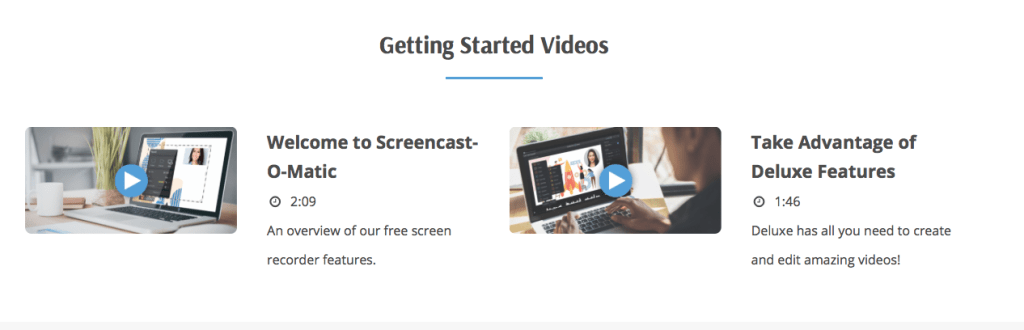
Overall, I do recommend this tool for those who are teaching online, or just want to tell a story about something without showing their face. The only weakness about all of this, is that if you wanted to show your face, you cannot. But other than that, I recommend this to any and everyone. There are a lot of helpful tools, like you see above, to help guide you through this website.
Tutorial Link: https://screencast-o-matic.com/tutorial/welcome-to-screencast-o-matic
In order to begin a recording, once you have created your account, you must click “start free recording” and then there will be a big square around your screen. Once you see this, you then exit out anything you do not want your audience to see on the screen. Then you should pull up whatever it is that you do want your audience to see and there will be a three second countdown before the recording begins. Once you are done recording, can save the video and watch it before sharing with others.
 Life of a Student Athlete